
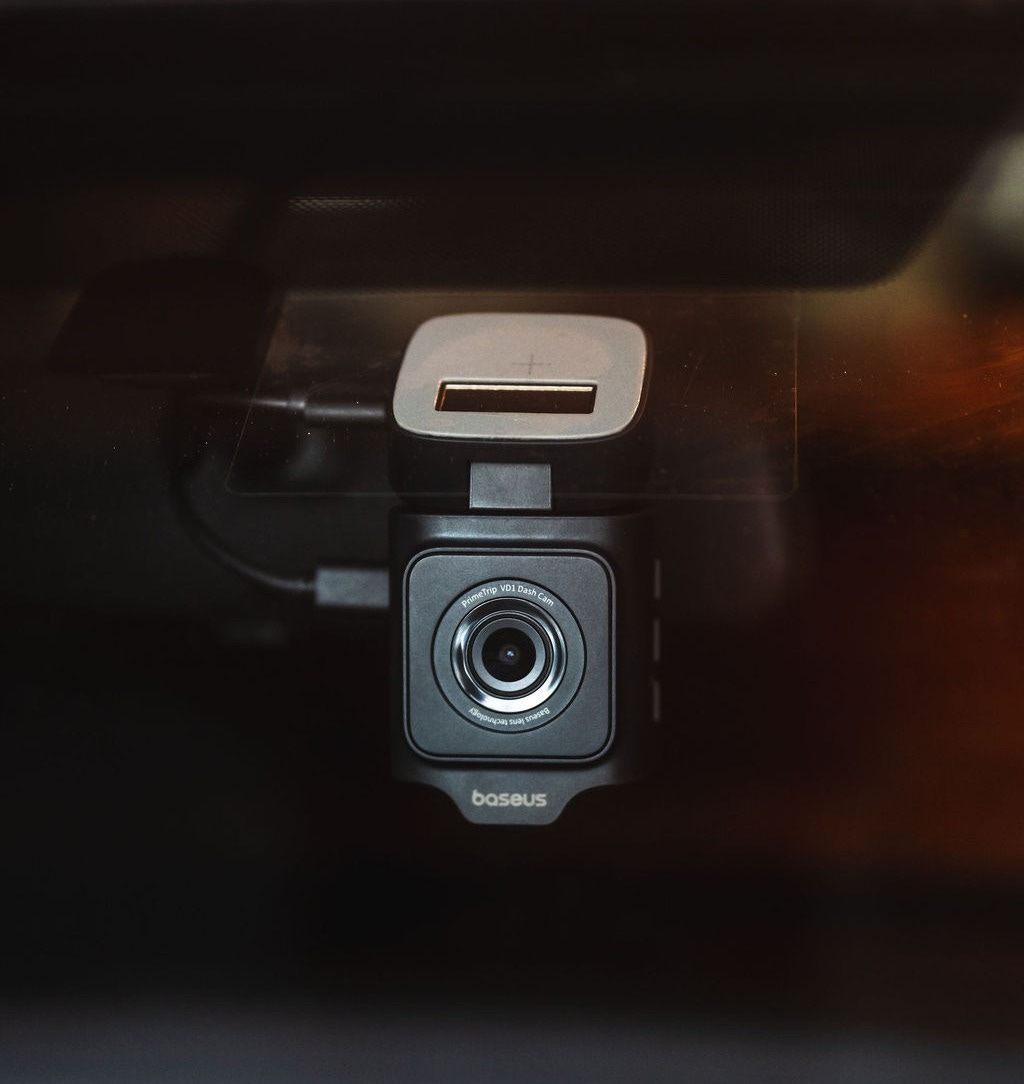
There’s a lot of bad driving out there, and it seems to be getting worse with the addition of technology. I recently watched a guy merge onto the highway and quickly move into the next lane - where I was driving - while his blind-spot monitor flashed in the side mirror and likely the cabin of his shiny new Escalade. As I eased out of the way and politely acknowledged his skill behind the wheel, I have to say it would have been nice to capture this stunning display of vehicular mastery on camera. Particularly had the driver completed his effort at causing a collision. Like with, say, a Baseus PrimeTrip VD1 Pro dash cam.
Disclosure: The product featured in this article was provided by the manufacturer for evaluation. This article contains affiliate links. If you purchase through these links, I may earn a commission at no additional cost to you. The manufacturer had no input on the editorial content.
To be clear, I’m not big on car technology. For me, an ideal car is the 2016 Mazda 6 I currently drive. It has three pedals, no screens, and is fun behind the wheel. I am impressed at what carmakers have accomplished with all the latest automotive gizmos, but I lean analog. So, when the opportunity arose to install such a gizmo, I had to think about it. But then the memory of that near-accident surfaced and got me thinking it might be nice to have a way of capturing such buffoonery. So, is this Baseus dash cam worth it? The list price is $170, which may sound pricey, but it’s got a lot to offer. Let us discuss.
Solar-Assisted Wire-Free Parking Surveillance
In the world of dash cams, parking surveillance is typically part of the deal. Like it sounds, this feature keeps a digital eye out for fender benders when your car is parked. In the past, enabling this would likely require hard-wiring the dash cam into your car’s fuse box, and not everyone is comfortable with the work required to make this happen. So, Baseus came up with a slick workaround that seems obvious when you see it in action.


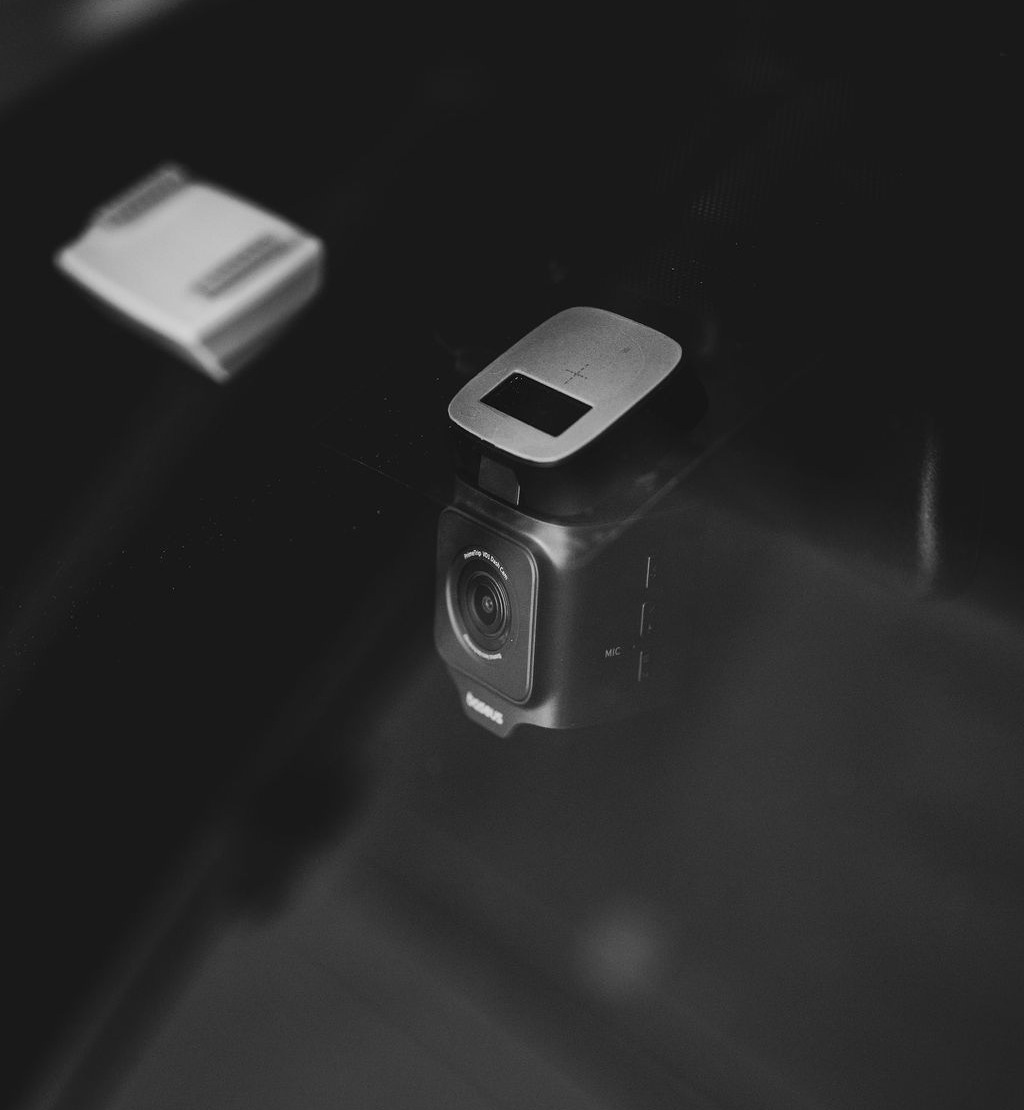
The top of the camera has a built-in solar panel that feeds an integrated lithium battery. When your car is parked and the dash cam is disconnected from its 12V port, this battery can power a 30-second recording in the event an impact is detected by the camera’s g-sensor. It’s a clever way to avoid the hassle of hard-wiring. Fortunately, no one clipped my Mazda while I was away, but I can tell you the system is sensitive enough to come online when I slammed the trunk. So it ought to be helpful in the event of a real impact.
Dual-Camera Coverage With Sony Starvis Night Vision
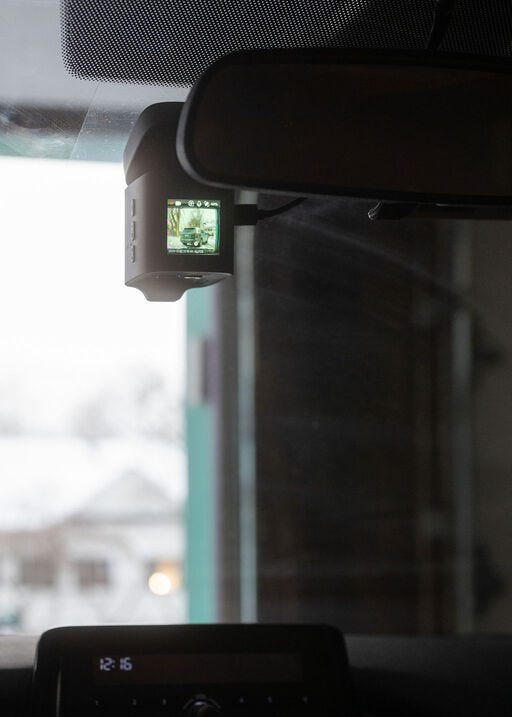
The VD1 Pro package comes with a front- and rear-facing camera. Sony lends its Starvis IMX335 sensor and 6-layer lens with an f/2.0 aperture for night vision duty. The front camera records in 4K UHD HDR over a 140-degree range, while the smaller rear camera offers 1080p recording and a 120-degree field of vision. The front screen lights up briefly on startup and then goes blank after a short timeframe, which you can specify with the app.
Reviewing the footage, I was left impressed with the quality and clarity. License plates are easily readable and even in dark, rainy conditions, the camera delivers sharp recordings. Data captured on those recordings includes the date, time, GPS coordinates, and your speed. All of which would be handy to back up your version of what happened in the event of an accident. You can also snap still photos, front and back, which is neat, and would be useful to activate via the voice control function should you want a snapshot of what’s going on outside the car.
Integrated 5GHz Wi-Fi 6
After downloading the Baseus app and powering on the dash cam, you can connect to the unit via its built-in Wi-Fi system. Doing so opens access to system settings, and on the whole, the app is well-designed and easy to use. It’s in here that you need to enable Parking Mode, as it is not automatically switched on.
Baseus notes the 5GHz connection is 3x faster than a 2.4GHz setup for transferring recordings between the cam and your phone, but I found it a bit slow. Keep in mind, you’re sitting in the car, waiting for the download to take place. I also thought it was tough to figure out which recording I wanted to download using the small stills of each video via the app. However, there is an easy workaround for this, which I’ll get to below.
Red Dot Award-Winning Design
I’m a sucker for strong design and apparently Baseus is as well. I didn’t realize this dash cam received a Red Dot design award when I first opened it up, but it’s easy to see why. The packaging is sharp, with embossed graphics and gloss knockouts that will have you examining it in different lights. Or at least me. Open it up, and aside from an overabundance of plastic, the dash cam components boast that clean, crisp style of a product that was designed to look and feel good. For 170 bucks, you’d expect a gadget like this to seem premium, and it accomplishes that.


The Installation
It’s been a minute since I’ve done any kind of electrical installation with my cars, but I used to really enjoy pulling off trim panels, disassembling dashboards, and hooking up aftermarket audio systems…with huge subs. None of which applies with the install of this Baseus dash cam. Aside from running the power cable along said trim panels, between the cam and the power plug in the center console. Which I still enjoyed, mainly the process of neatly tucking the whole thing away to give it a reasonably professional appearance. Baseus even includes a trim tool designed to pull those seams gently apart so you can slide the cable within.


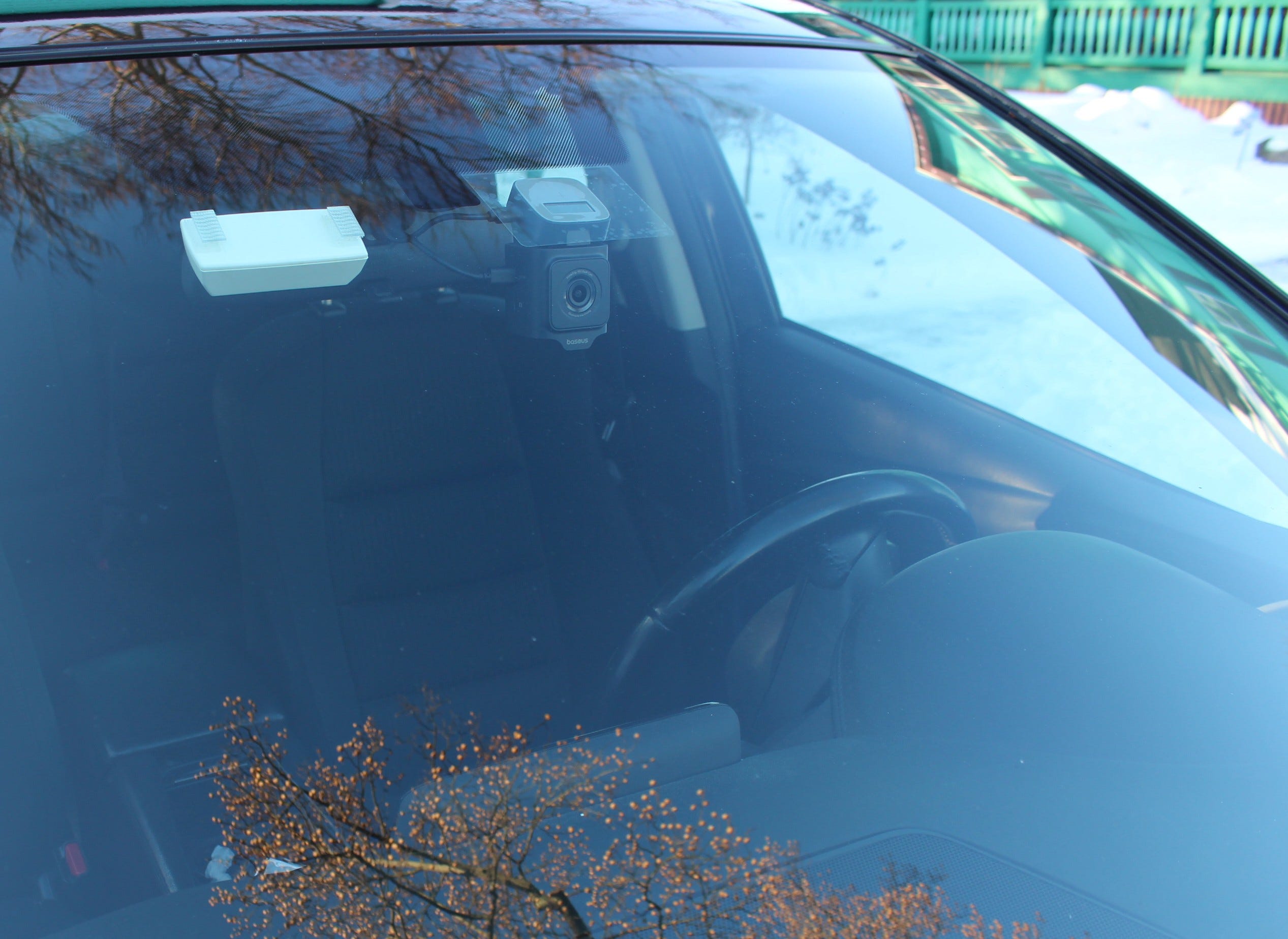
It’s a robust little piece of equipment and worked as advertised. To mount the big front unit, you have to affix a square of static cling film to the glass and then stick the 3M adhseive-d camera to that. It works well and has not fallen off as I secretly feared. The rear camera skips the cling in favor of direct adhesive application and has a cable that plugs into the front camera. Once in place, you can rotate both cameras to get the sight line just so, using the app to fine-tune it. A 12V plug provides power.
Baseus VD1 Pro Dash Cam In Use
Using this dash cam is a matter of plugging it and heading out. The included 32 GB microSD card can store up to 4 hours of film before it is automatically overwritten. Baseus says that the timeframe extends to 33 hours with a 256 GB card, should you choose to upgrade. It operates in the background, and once the screen times out, I forgot it was there.
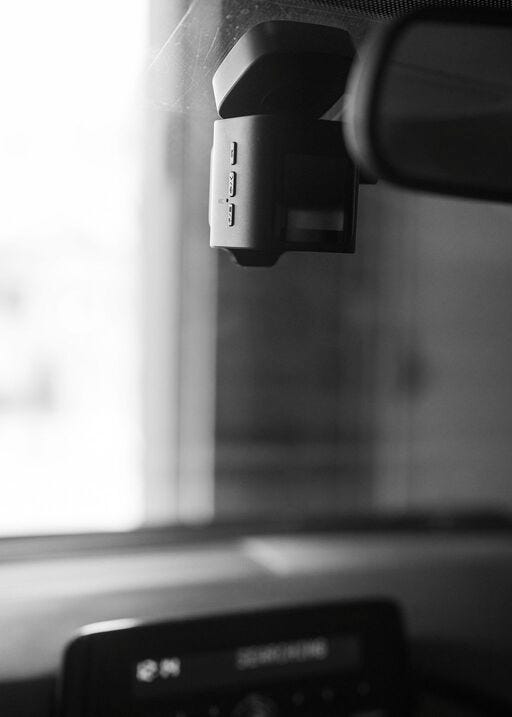
Mounted behind the rearview mirror, the camera body - which is fairly substantial - manages to blend in and not be in the way. Looking through recordings taken during the day and night, in clear and sloppy conditions, the quality is impressive. License plates are easy to read, and a wide field of vision captures two lanes and a broad swath of the shoulders. Overall, this little gadget works great, though there is one minor complaint that I’ll get to below.
What I Liked About The Baseus Dash Cam
Genuinely Helpful
I fortunately did not have any incidents where dash cam footage might come in handy, but it would clearly be helpful in that scenario. I’m not a big fan of gizmos and techy gadgets in my cars, but I have to say, this Baseus unit left me impressed.
Build Quality
Along with a substantial feeling and sharp design, Baseus’ VD1 dash cam is built well. Everything clicks into place nicely, the hinge and swivel action is precise, graphics are rendered crisply, and the app is fast.
Easy To Use
It really is plug and play. I went all OCD with my power cable runs, but you could just as easily leave the wires dangling from the windshield down to the 12V port if you like. Once mounted, you just plug it in and go. Running in the background, you would really only have cause to access it in the event of an accident.
Parking Surveillance
Anyone who has found their car banged up in a parking lot with nobody claiming responsibility knows how aggravating this scenario is. Based on what I could see, this Baseus dash cam solves that problem with its clever solar-assisted surveillance waiting to capture offending parking lot nitwits in action.
What I’d Change With The Baseus Dash Cam
MicroSD Card Reader
If you want to review footage from the dash cam, you can do so with the Baseus app. However, that requires you to be in the car, with it running, so that the camera is powered on and can connect to the app. Even doing that, it’s hard to figure out which still image represents the footage you want to review, and downloading files is kind of slow. I bought an SD card reader for a few bucks at Staples so that I could review footage on my laptop, but it would have been nice to have that included.
Longer Front Camera Cable
I installed this Baseus camera in a Mazda 6, a midsize sedan. Running the power cable from the front unit across the windshield, down the A pillar, and under the glove box left me with just enough cord to reach the 12V power outlet at the bottom of the center stack. I would have preferred to run it to the power port within the center console storage bin and keep the installation as clean and out of sight as possible. There wasn’t enough wire for that, and I would be curious to see how someone with a large SUV or pickup truck fares, given the larger cabin dimensions.
Final Thoughts
As a decidedly analog-leaning car guy, I can tell you that buying a dash cam wasn’t on my radar. But this Baseus system has me singing a different tune as I intend to keep it hooked up for the long haul. It isn’t cheap with a $170 list price (at the moment, it is on sale for $105), but I would argue that the peace of mind that comes from knowing everything was recorded is worth it for the next time you’re tangled up in a bad driving situation. You could also probably create a hilarious YouTube channel highlighting all the outrageous behavior seen on American roads, but that’s a story for another day…
Interested in the Baseus PrimeTrip VD1 Pro? Check current pricing and availability here.
About the author: Niel Stender is an automotive journalist. More of his work can be found at muckrack.com/niel-stender.
Incredible…the camera’s eyeball views, WOW!